
OutOfMemoryError: Minecraft runs out of memory
“java.lang.OutOfMemoryError: Java heap space” means the game ran out of the memory it was given. It happens with big modpacks, HD resource packs and a long render distance.
Quick fix — Why Launcher
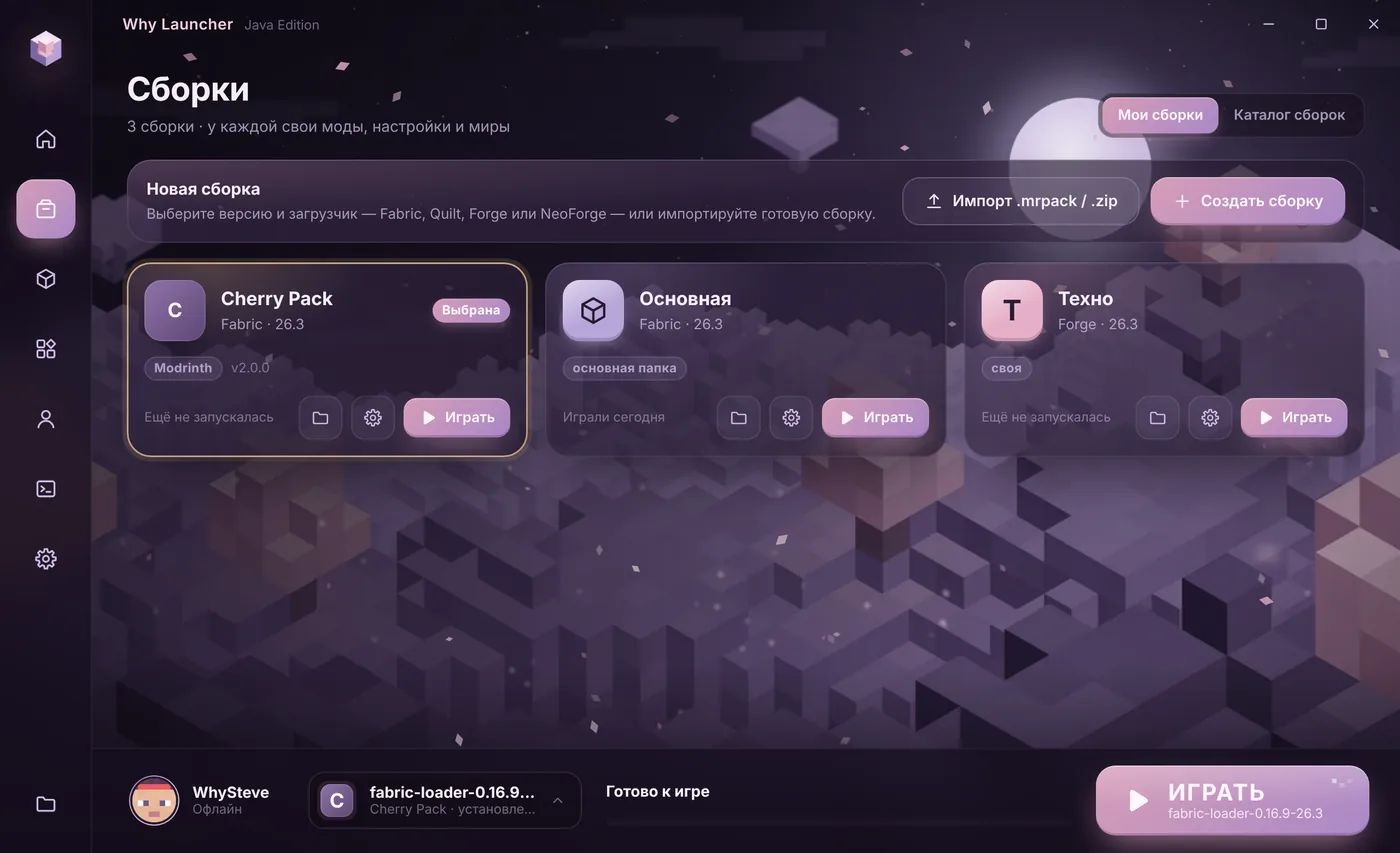
- Open Настройки (Settings) → Память (Memory) and raise the value. The launcher shows how much memory the system has.
- For one big profile: the gear on its card in Сборки (Profiles) → Своя память для этой сборки (Own memory for this profile).
- Guidelines: no mods — 2–4 GB, medium pack — 6 GB, big pack — 8 GB.
The Why Launcher interface is in Russian, so button names are given in Russian with a translation.
0 downloads from this site
In the official launcher, and other causes
- Edit the installation, expand More options and in JVM arguments change
-Xmx2Gto-Xmx4Gor more. - Make sure you have 64-bit Java: 32-bit Java won’t go above ~1.5 GB however much you allocate.
- Lower the render distance and remove 256×256 and bigger HD resource packs.
- If the error shows up after an hour or two of play rather than at once, a mod may leak memory — update your mods to the latest versions.
If something goes wrong
- Don’t allocate all your memory — leave Windows 3–4 GB, or the whole computer slows down.
- More than 12 GB is usually worse, not better: Java takes longer to clean up and stutters appear.
- The full table is in “How much RAM for Minecraft”.
FAQ
What is “GC overhead limit exceeded”?
The same lack of memory: Java spends almost all its time cleaning up. The fix is the same — add memory or lighten the pack.
What if the computer has only 4 GB?
Give the game 2–2.5 GB, skip heavy packs and install Sodium or OptiFine — they save resources.