
How much RAM to give Minecraft
With too little memory the game lags and crashes with OutOfMemoryError. With too much it’s also bad: Java starts stuttering on garbage collection and Windows runs short. Here are the guidelines.
Guidelines
| What you run | Memory |
|---|---|
| Minecraft without mods | 2–4 GB |
| Up to 50 light mods | 4 GB |
| Medium modpack, 100–200 mods | 6 GB |
| Big modpack, 200+ mods | 8 GB |
| More than 12 GB | usually not needed |
Leave Windows at least 3–4 GB. With 8 GB in the computer give the game no more than 4 GB, with 16 GB up to 8 GB. Your total memory is shown in Task Manager → Performance → Memory.
In Why Launcher
- Memory for all versions: Настройки (Settings) → Память (Memory). The launcher shows how much memory the system has.
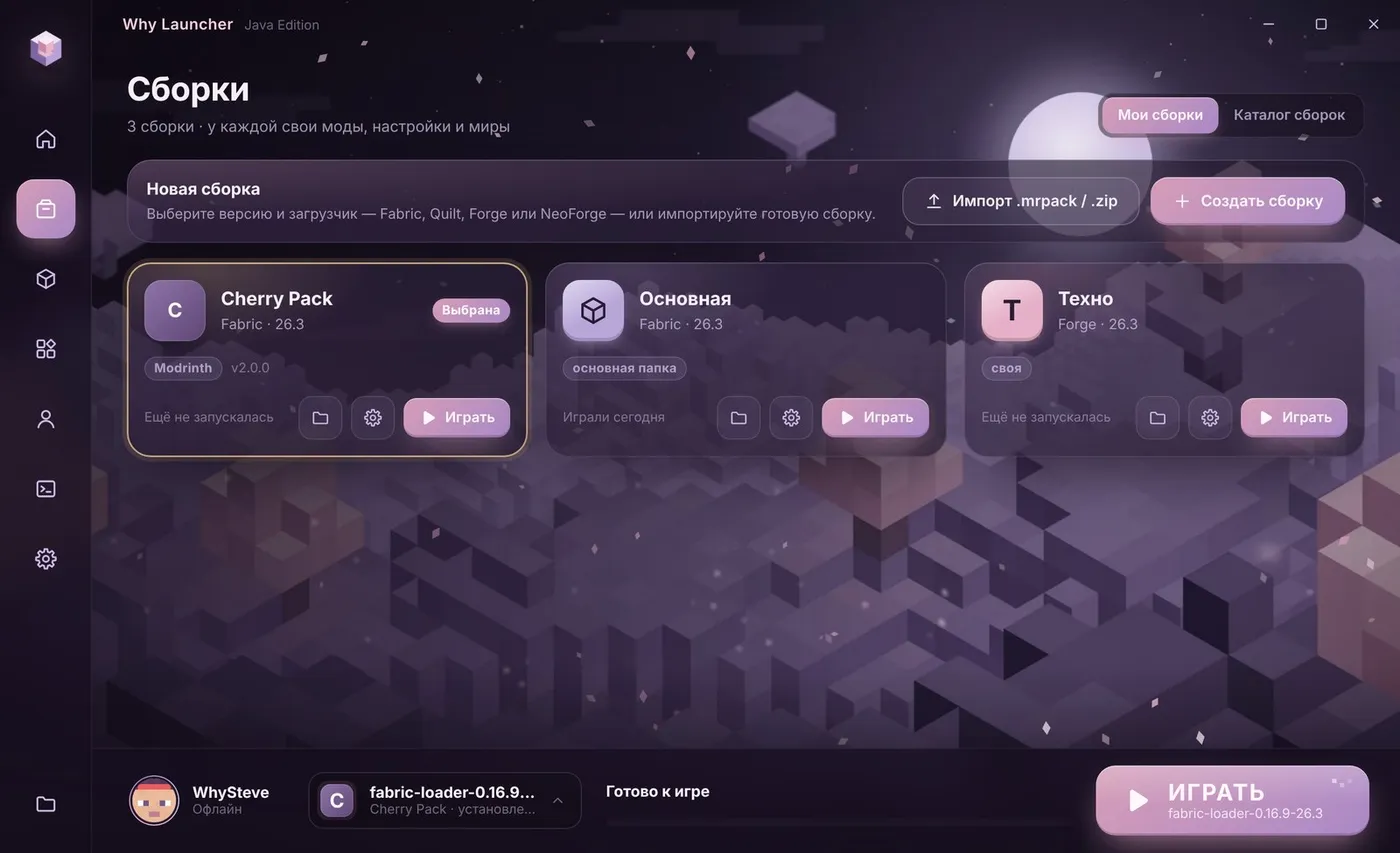
- Memory for one profile: the gear on its card in Сборки (Profiles) → Своя память для этой сборки (Own memory for this profile).
The Why Launcher interface is in Russian, so button names are given in Russian with a translation.
0 downloads from this site
In the official launcher
- Open the Installations tab, hover the installation, press … → Edit.
- Expand More options at the bottom.
- In JVM arguments find
-Xmx2Gand change 2 to the number of gigabytes you want, e.g.-Xmx4G. - Save and start the game.
If something goes wrong
- The game lags although memory is enough — then it’s FPS, not memory. Install Sodium or OptiFine and lower the render distance.
- Don’t give it all your memory — Windows and the browser need room too, or the whole computer slows down.
FAQ
What is -Xmx?
A Java setting: the maximum memory for the game. -Xmx4G means up to 4 gigabytes.
How much memory do shaders need?
Shaders load the graphics card, not RAM, so the usual 4 GB is enough.