
How to install Fabric for Minecraft
Fabric is a lightweight, fast mod loader. Sodium, Iris, Lithium and thousands of other mods run on it, and it’s usually first to support new Minecraft versions.
With Why Launcher — in a minute
- Download and install Why Launcher.
- Open Сборки (Profiles) → Создать сборку (Create profile), pick a Minecraft version and the Fabric loader.
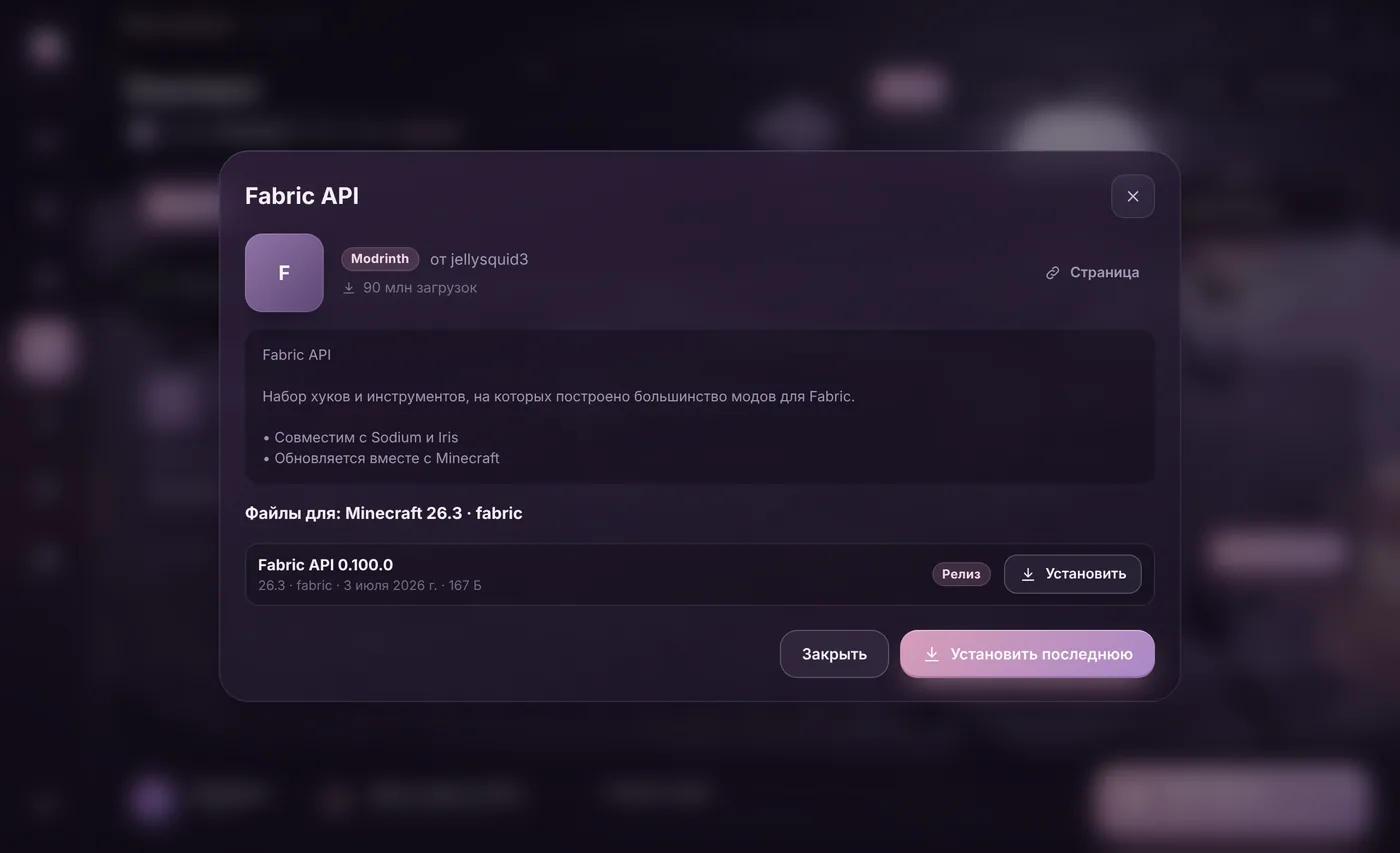
- Go to Моды, паки и скины (Mods, packs and skins) and install any mod — Sodium, for example. The launcher adds Fabric API and other required mods by itself.
- Press Играть (Play).
The Why Launcher interface is in Russian, so button names are given in Russian with a translation.
0 downloads from this site
Manually with the official installer
- Open fabricmc.net → Download and get the Windows installer (
.exe) or the universal.jar. - Run it. On the Client tab pick the Minecraft version, keep the latest loader version and press Install.
- Download Fabric API from Modrinth or CurseForge for the same game version and put it into
%APPDATA%\.minecraft\mods. Most Fabric mods don’t work without it. - In the official launcher pick the fabric-loader-… installation and press Play.
If something goes wrong
- “Mod requires Fabric API” means Fabric API isn’t installed or is for another game version.
- OptiFine doesn’t work with Fabric. Use Sodium (more FPS) and Iris (shaders) instead.
- Quilt is a fork of Fabric that runs most Fabric mods, so either is fine.
FAQ
What is Fabric API?
A separate library mod that most Fabric mods are built on. The Fabric loader doesn’t include it, so Fabric API is installed almost always.
How do I know a mod is for Fabric?
Modrinth and CurseForge list the loader for every file: Fabric, Forge, NeoForge or Quilt. Take the file marked Fabric with your Minecraft version.