
Java not found: which Java Minecraft needs
Every Minecraft version needs its own Java version. Without Java, or with the wrong one, the game won’t start, and the Forge and OptiFine installers open as archives or not at all.
Which Java you need
| Minecraft version | Java version |
|---|---|
| 1.16.5 and older | Java 8 |
| 1.17 | Java 16 |
| 1.18 — 1.20.4 | Java 17 |
| 1.20.5 — 1.21.x | Java 21 |
| 26.1 and newer | Java 25 |
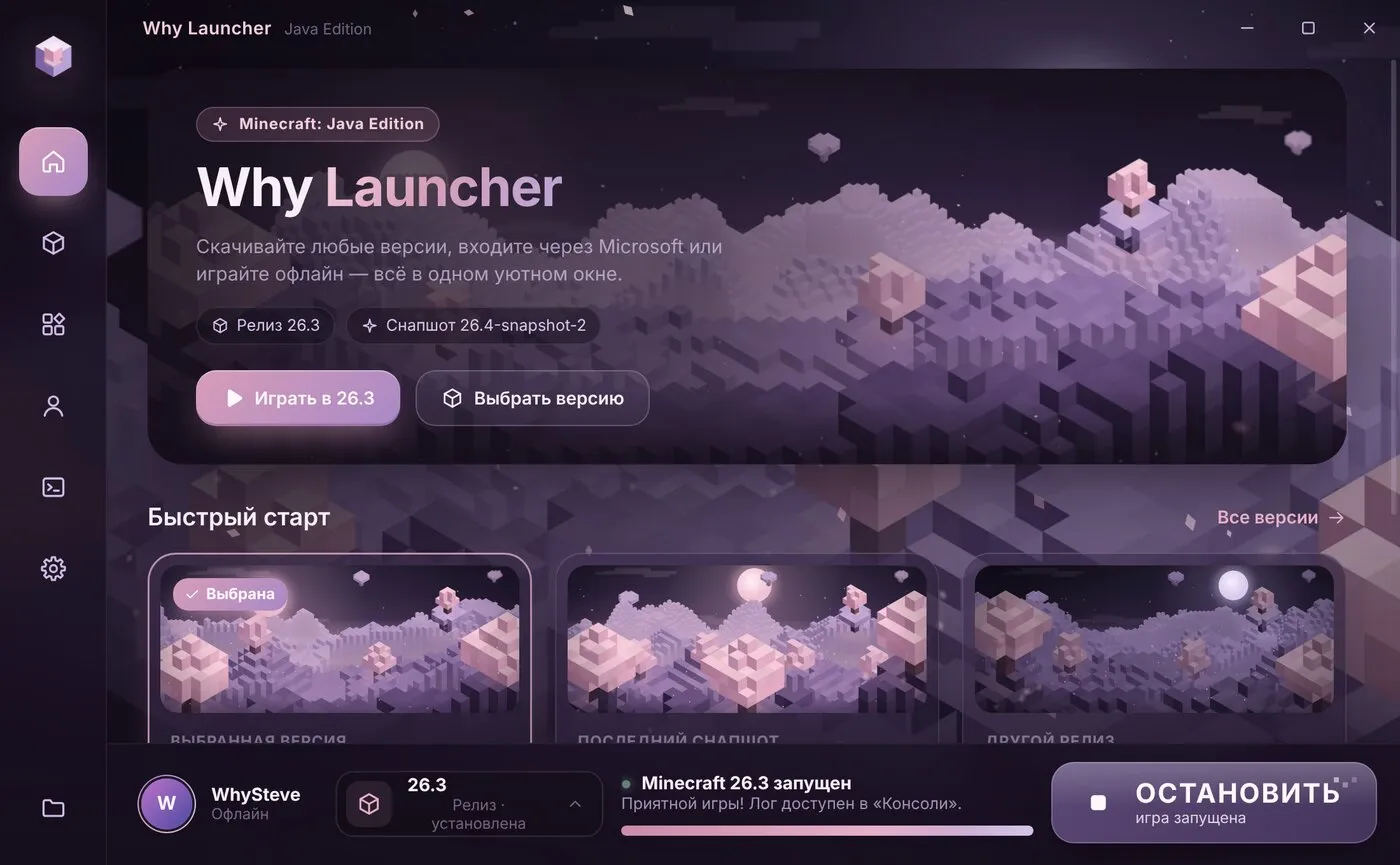
The official launcher and Why Launcher download the right Java themselves. You need Java on the computer separately only to run .jar files — the Forge, NeoForge, Fabric and OptiFine installers.
Quick fix — Why Launcher
- Install Why Launcher and start the version you need: the launcher downloads a matching Java by itself and keeps one per game generation.
- It installs Forge, NeoForge and OptiFine by itself too, so you won’t need Java for the installers.
0 downloads from this site
Manually
- Check the table above for the Java your game version needs.
- Download it from adoptium.net (Eclipse Temurin): pick the version, Windows and x64,
.msiformat. - During installation turn on “Set JAVA_HOME” and “Associate .jar” — then
.jarfiles open with a double click. - Restart the launcher or the installer.
If something goes wrong
- UnsupportedClassVersionError … class file version 65.0 — the game or a mod needs newer Java. 52 is Java 8, 61 is Java 17, 65 is Java 21, 69 is Java 25.
- A .jar file opens as an archive (WinRAR, 7-Zip) — right-click it → Open with → Java(TM) Platform SE binary, or reinstall Java with “Associate .jar”.
- You need 64-bit Java. 32-bit Java won’t give the game more than ~1.5 GB of memory.
FAQ
Can I have several Java versions?
Yes, they don’t interfere. The launcher picks the right one for each game version.
Will Java from java.com do?
It only has Java 8. Minecraft 1.17 and newer need newer Java — get it from adoptium.net.