
How to play Minecraft with a friend
There are four ways: open your world to the local network, link computers over the internet with a “virtual LAN” program, run your own server, or join a public one together. The main rule: you both need the same game version and the same mods.
With Why Launcher — in a minute
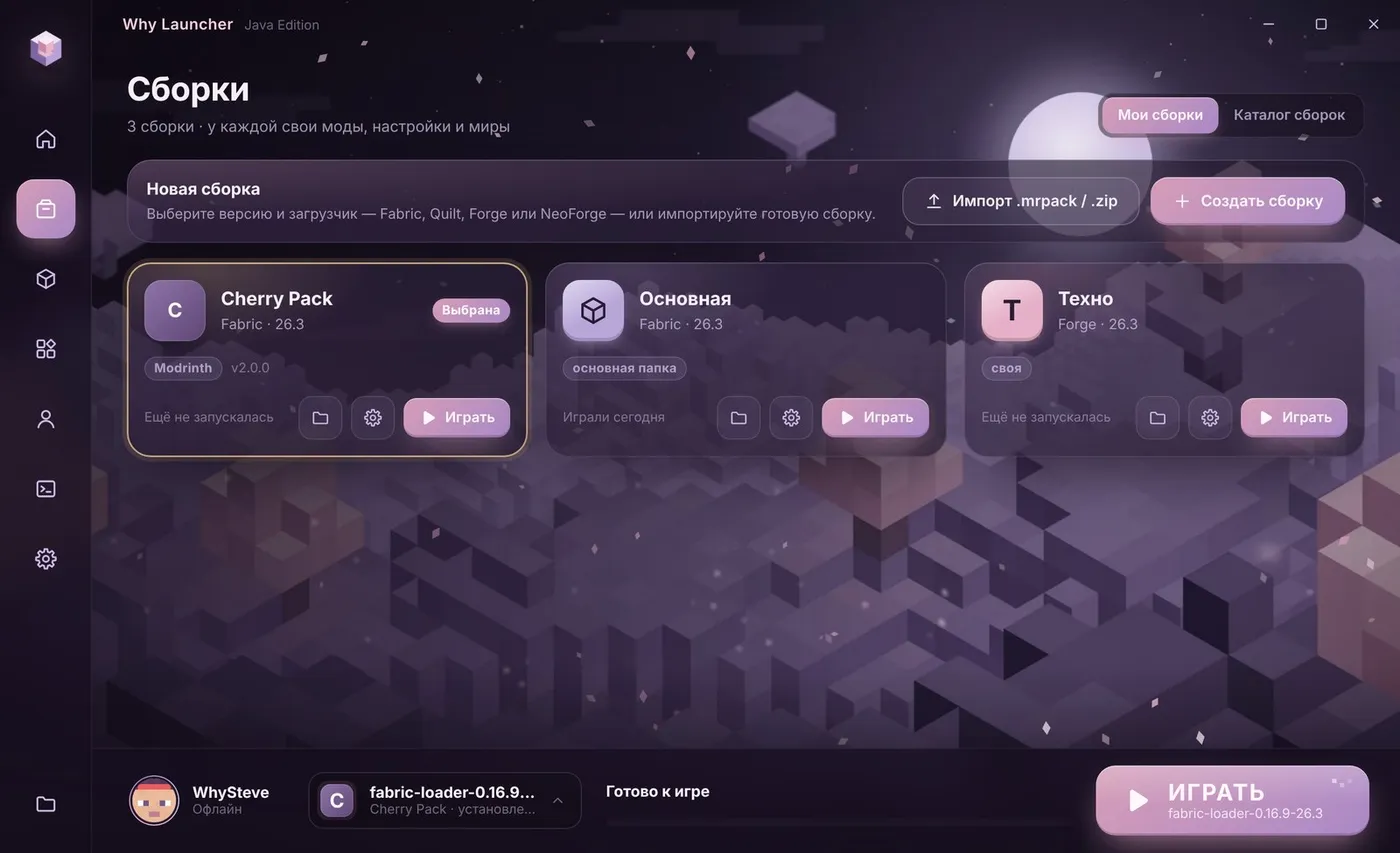
- Both of you install Why Launcher and pick the same Minecraft version. Playing with mods? Create a profile with the same mods on both computers.
- One of you starts a world, presses Esc → Open to LAN and notes the port number the game shows.
- The other opens Multiplayer: on the same network the world shows up in the list by itself.
- In different homes? See way 2 below: you’ll need a virtual network program.
The Why Launcher interface is in Russian, so button names are given in Russian with a translation.
0 downloads from this site
Over the internet and on servers
- Virtual LAN. Both install Radmin VPN or ZeroTier and join the same network. The host opens the world to LAN, and the friend goes to Multiplayer → Direct Connection and enters the host’s address from the program plus the port after a colon, e.g.
26.12.34.56:52341. - Your own server. Download a Paper server or the vanilla server from the Minecraft site, run it and open port 25565 on your router — or use hosting. The world then runs even when the host isn’t playing. For mini-games on your own server there’s my FunPack plugin.
- Public servers. Just join the same server via Multiplayer → Add Server.
- Co-op mods. Some mods invite a friend into your world without network setup, but many need a license for both players.
If something goes wrong
- Licensed and offline together. If a licensed player opens the world, the game is checked with Mojang’s servers and an offline account won’t get in. Let the player without a license host — then both can join.
- Your friend doesn’t see the world — check that the game version and mods match and that Windows Firewall lets Java onto the network.
- Identical nicknames on offline accounts won’t both get into one world — pick different ones.
FAQ
Can I play with a friend without a license?
Yes: on a local network, through Radmin VPN or ZeroTier and on servers that allow offline accounts. Just let the player without a license host the world.
Why does it say “Outdated client” or “Outdated server”?
You have different Minecraft versions. Pick the same version in the launcher on both computers.